Welcome!
Now What?!
A Quick Guided Walkthrough
You Made An Account! Now What? Well here you are! Account set up and on your way!
There are two main options available to you, there is the Official Second Life Viewer, and the Firestorm Viewer (Third Party). Both have their pros and cons and their slight differences (and there actually are a fair few more third party viewers to choose from) but for the basics of getting you set up and introduced to the world, we recommend Second Life (SL) Viewer, but we can't stop you if you want to download Firestorm (FS) Viewer (We'll add some help there too!)
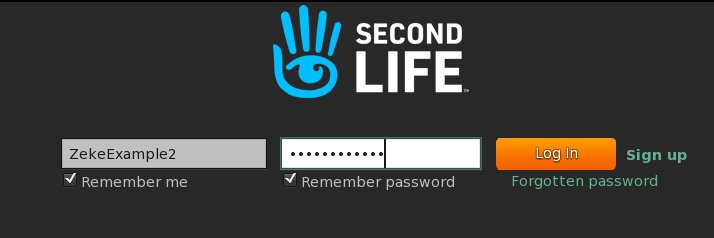
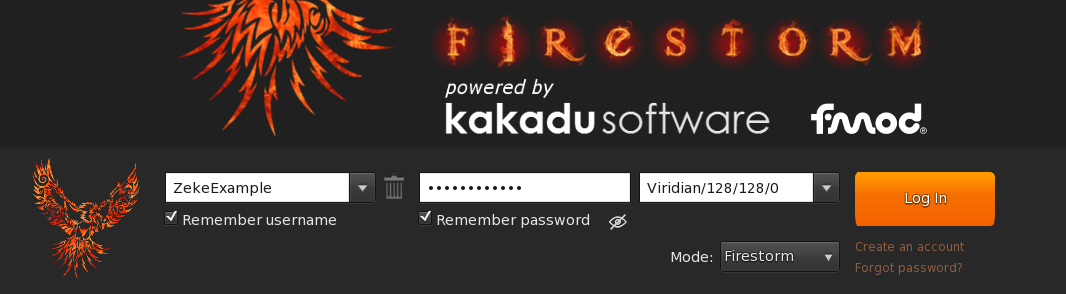
1) Once you have the viewer installed, open it up and sign in! Luckily this screen does not look much different between viewers so the below image should cover what your login will look like. For the third option in Firestorm, that will usually be "Home" "Last Location" or you can type in the location you wish (I put "Viridian" and it corrected to "Viridian/128/128/0", no harm because you will eventually end up there and it is already set as your 'home' location!).
Hit Login!
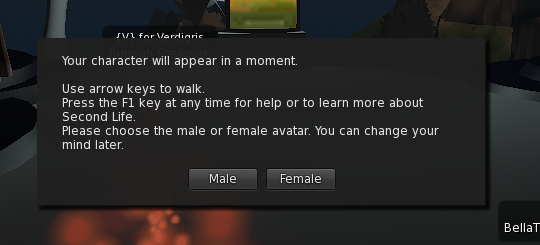
2) Select Your Starting Gender! (NB and GF friends, just pick one and we can customize your look after we get you settled in!)
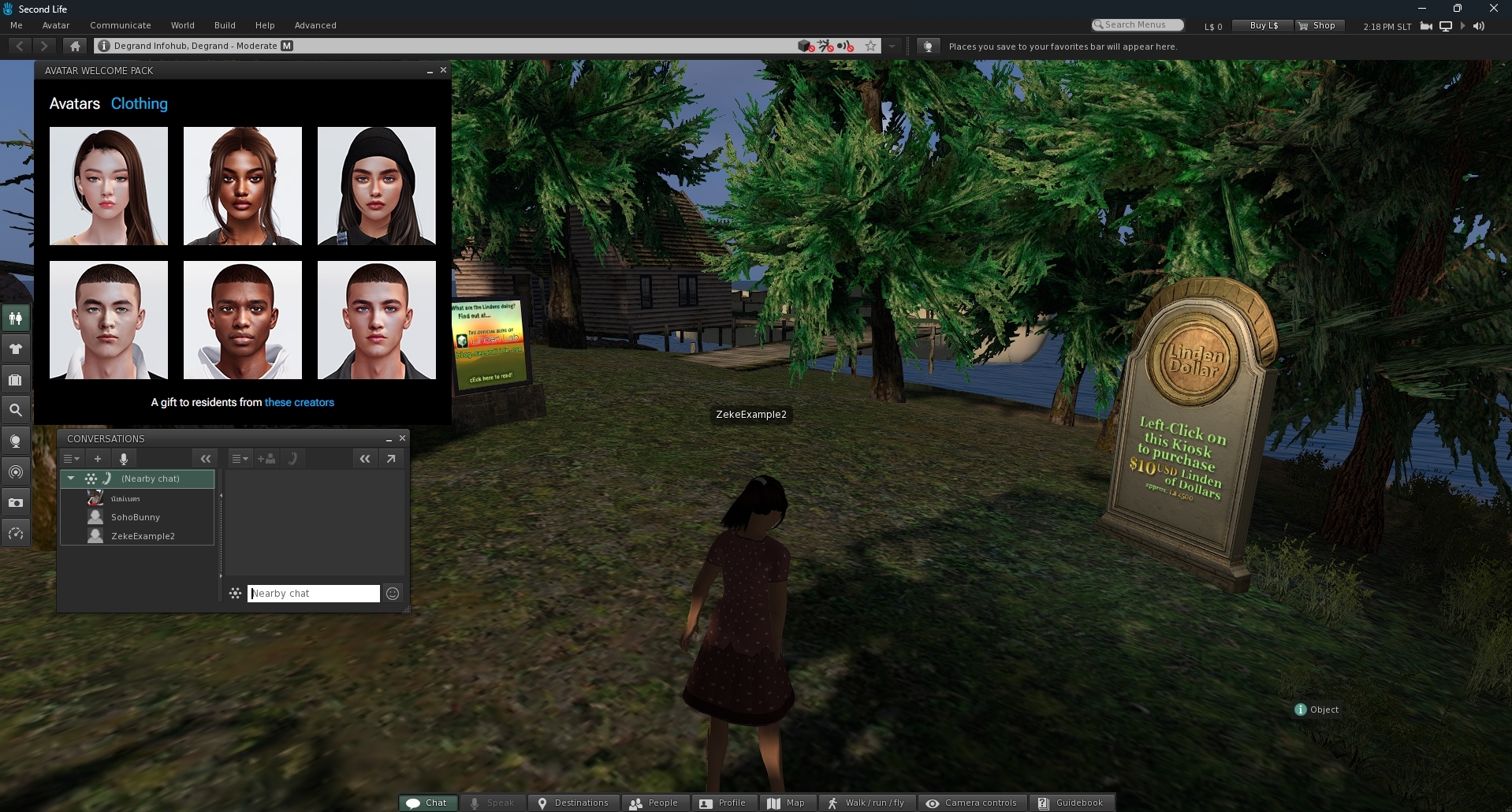
SL Viewer has a nice popup to choose your base avatar, while Firestorm is a bit more manual, if you're using Firestorm, don't worry about this step yet, just click your gender and go to the next!
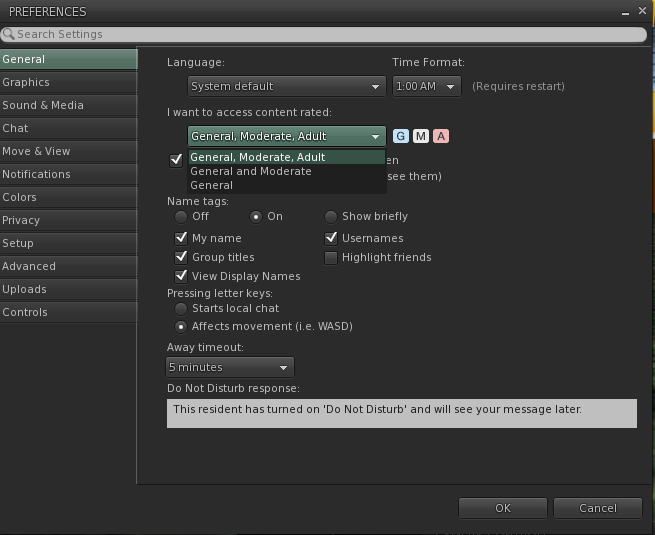
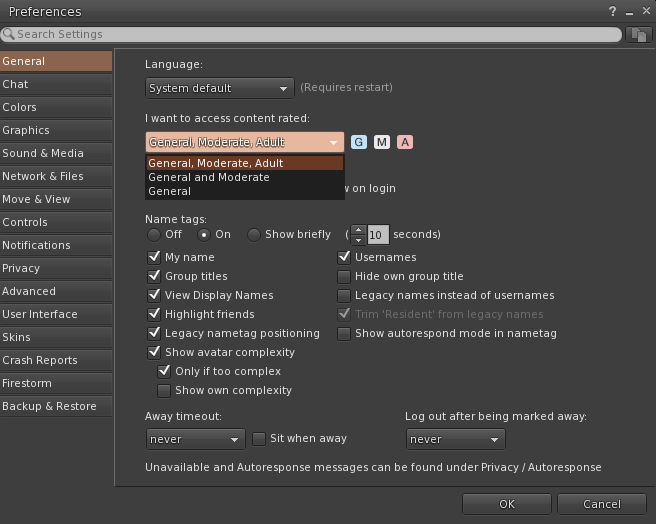
3) Now, in both SL Viewer and Firestorm, you will need to go to Preferences, which is under your "Me" tab in the top left of the SL viewer or the Avatar tab in the top left of Firestorm -- or git good with shortcuts and hit that CTRL+P
Under General, "I want to access content rated:" and select General, Moderate, Adult. This is the ONLY way to access Adult Content in any viewer and will be the only way to access our region! Ignore the other settings for now and hit OK.
4) Now, you are MORE than welcome to stay where you are and look about for a bit, I have never ended up in the same starting location while setting this tutorial up and I always find it fascinating to look around. Feel free to use your camera controls and check out your avatar or click around!
However, please do not accept anything from strangers while out in the world, there are some rude and mean people who enjoy making it more difficult for new residents (YOU) than it needs to be! When you're done looking around, jump to the next step!
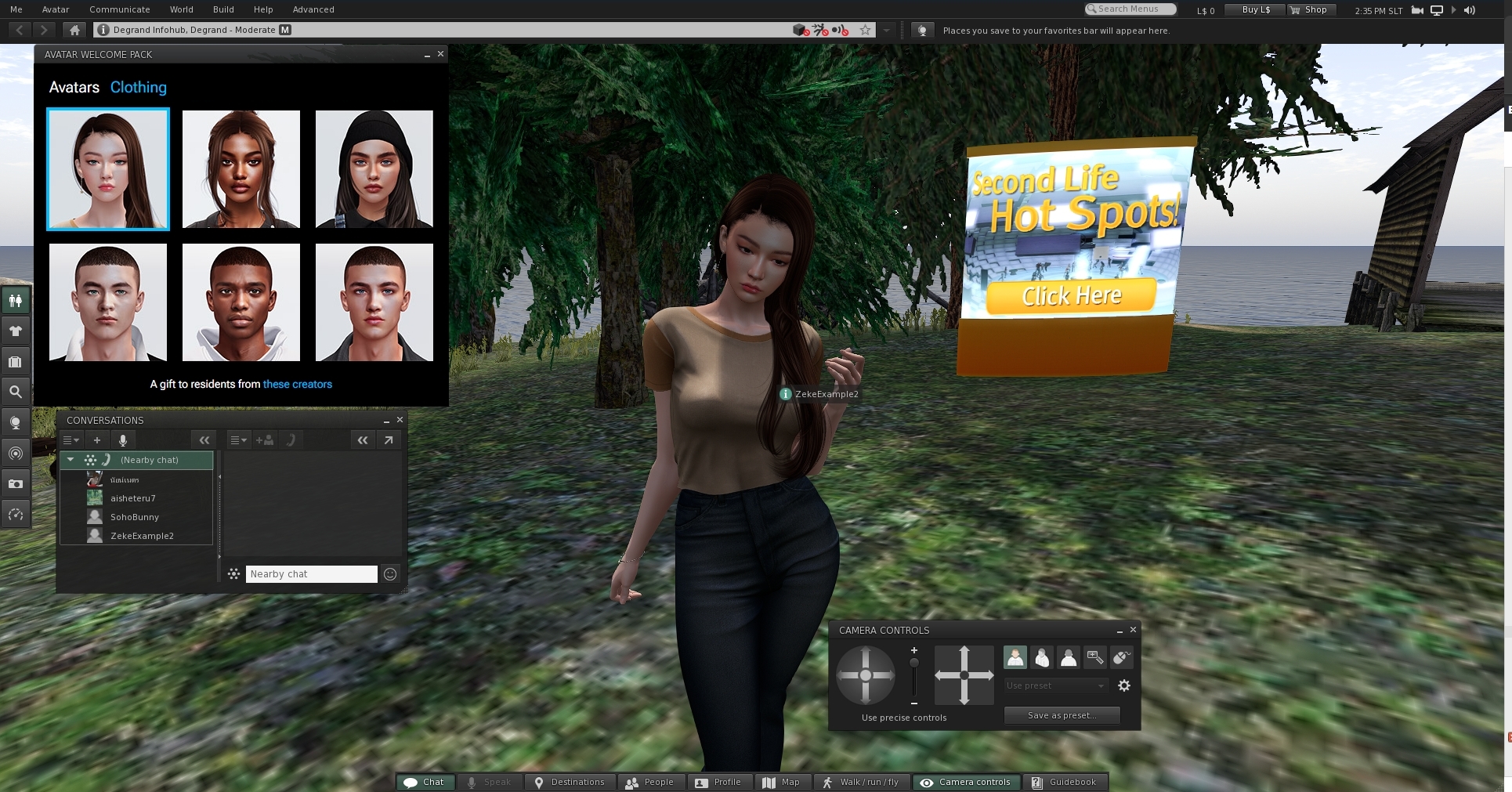
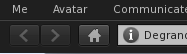
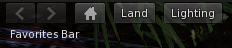
5) HIT THE HOME BUTTON! HIT THE HOME BUTTON. TOP LEFT. SHAPED LIKE A HOUSE. BAM, YOU'RE HOME, WELCOME!
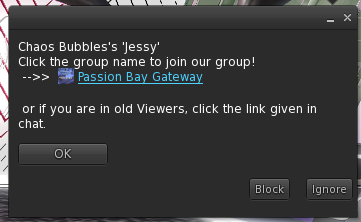
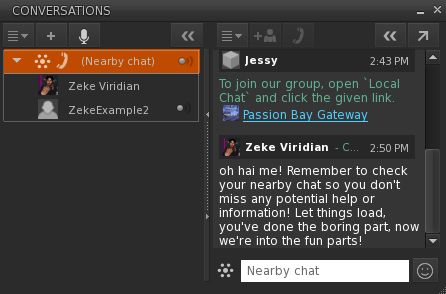
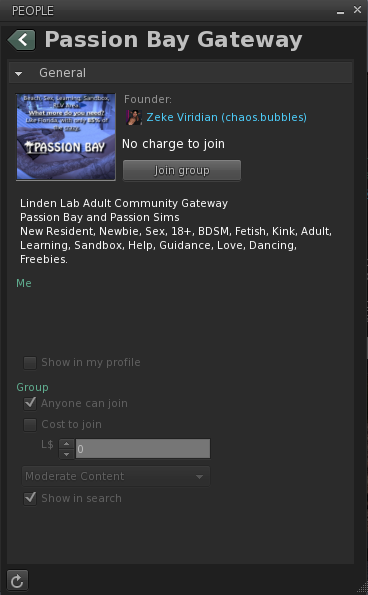
6) Now, upon arrival, you will get a pop up on the right side of your screen and a link in the local nearby chat inviting you to join our group. Please join the group as we will be able to help you no matter where you are in the Second Life World ("Grid" for short).
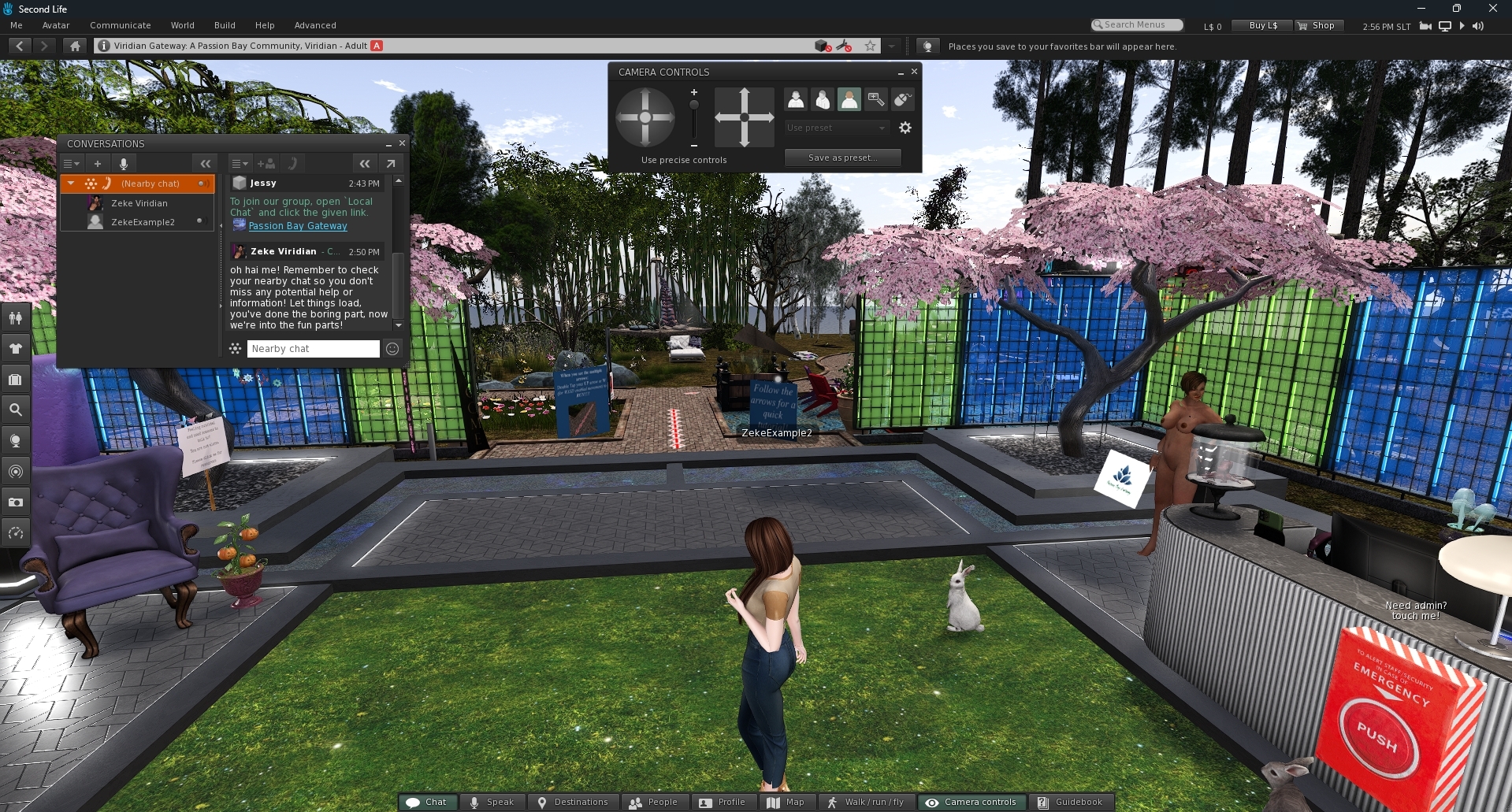
First thing you will probably notice about your surroundings is some things seems gray. No rush, take your time letting things load in ("Rez" for short). Once you can see an explosion of color around you and blue signs, you are free to proceed to the tutorial!.
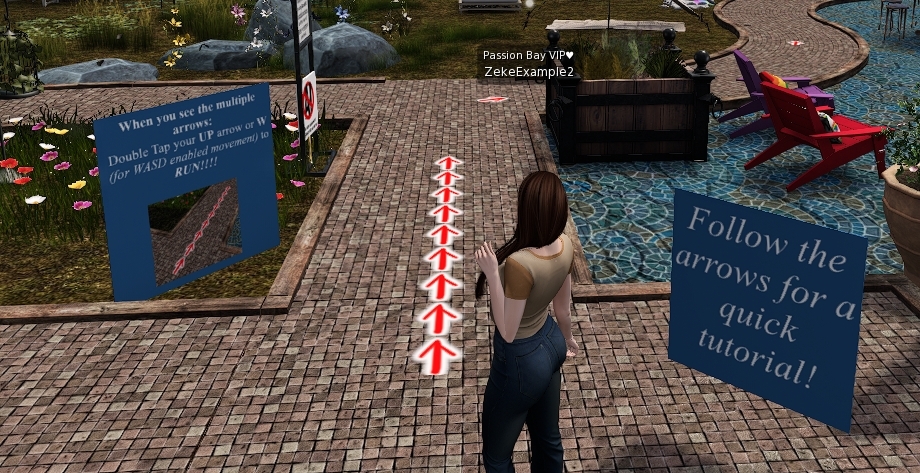
Follow the red arrows and read the blue signs and we will see you at the end!
Remember to look at your Nearby Chat window so you don't miss any greetings from our staff (and you can ask all the questions you want and even get a guided tutorial if someone has time!).
All users on the Viridian Region are human, so please remember that it costs nothing to be kind, and it may work better at getting you laid than messaging them 'sex'.